
How to free up space on PS5 and Xbox for GTA 6, step by step
GTA 6 needs more than 210 GB. We show how to quickly reclaim space on PS5 and Xbox without losing game saves.
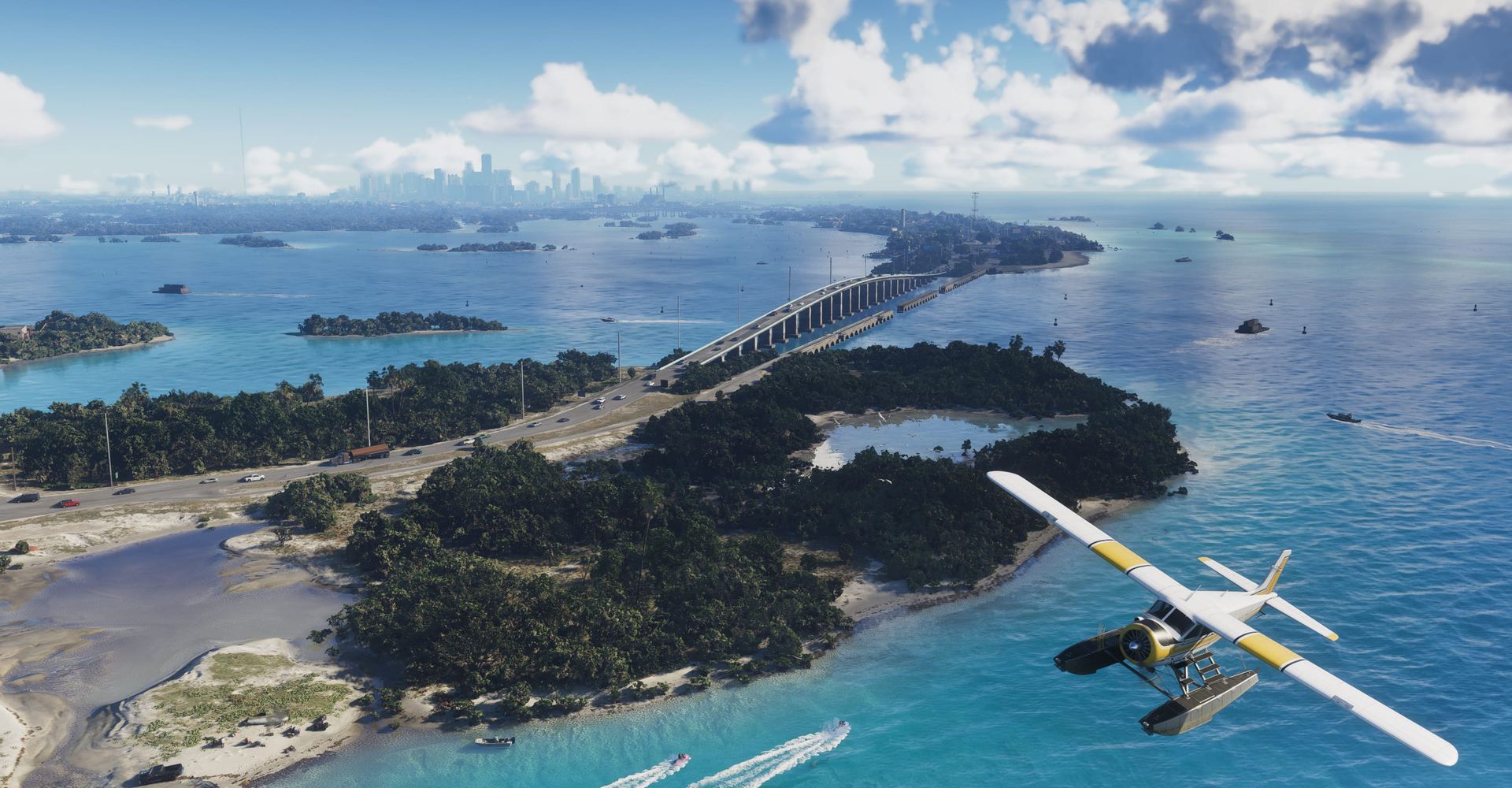
More than 210 GB is a lot even for new consoles. Fortunately, most of the space can be recovered in a few minutes without losing progress in other games.

Source: Rockstar Games
PS5: what to do
- Go to Settings → Storage → Console Storage → Games and Apps. Sort the list by size.
- Delete games you do not play. Game saves stay on the console, and with PlayStation Plus they also go to the cloud.
- Check the Media Gallery. Video clips can take up tens of gigabytes.
- If you have an expandable M.2 drive, you can move older games to an external USB drive. PS4 games run from it directly, and PS5 games can be stored on it.
Xbox Series X|S: what to do
- Press the Xbox button and go to My games & apps → Manage.
- Delete games you do not use. Saves are in the Xbox cloud.
- Delete screenshots and recordings in Captures.
- If you have a Seagate or WD expansion card, install GTA 6 there.
An important note
During installation you need a bit more space than the size of the game itself, because the console unpacks files and updates are added too. On PS5 leave a buffer of at least a few dozen gigabytes. You will find detailed numbers in How big is GTA 6.
Frequently asked questions
### Does deleting a game delete my saves?
No. Saves stay in the console's memory and, with an active subscription, in the cloud too.
### Can I play GTA 6 from a USB drive?
On PS5, PS5 games must be run from the internal drive or M.2. On Xbox, the game runs from the official expansion card.
Sources: Out of Games
Read also
How much does GTA 6 cost in Poland? Standard and Ultimate prices
GTA 6 costs 349 PLN in the Standard version and 429 PLN in Ultimate in Poland. The boxed version is only a code, and in shops it can be more expensive.
How big is GTA 6? Install size on PS5 and Xbox
GTA 6 needs about 212 GB of free space on PS5 and about 210 GB on Xbox. Check how much that takes on your console.
Does GTA 6 have 60 FPS? Graphics modes and frame rate
GTA 6 runs at 30 frames per second on all consoles, including the PS5 Pro. We explain why there is no 60 FPS mode and whether one could appear.